0.128.0
Every screen, polished
We went through the app screen by screen: everything reads better, tells you what's next and looks just as good in light and dark.
- New
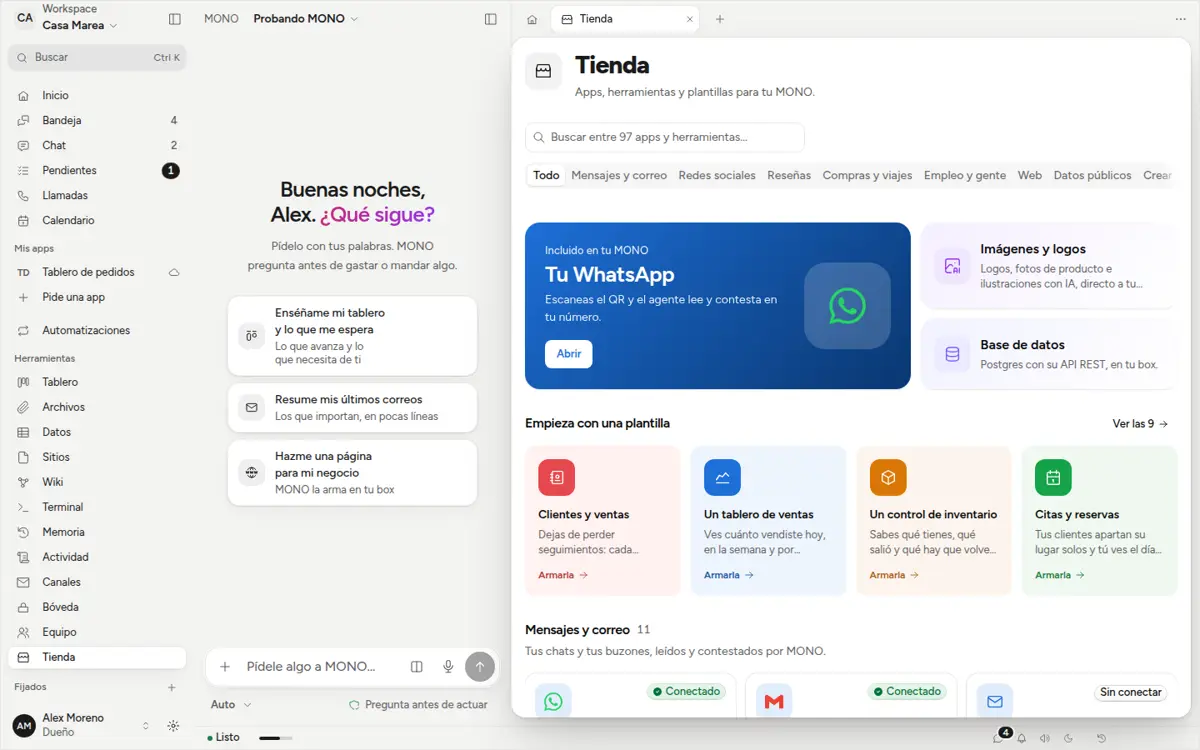
Templates that build themselves
In the Store every template says what you get, and «Build it» starts right there. If what you search for doesn't exist, ask MONO in one click.
- New
Activity at a glance
Each day in its own block, with who did it and how it ended: «Done» or «Failed». Team got tidier too, with «Invite» at the top.
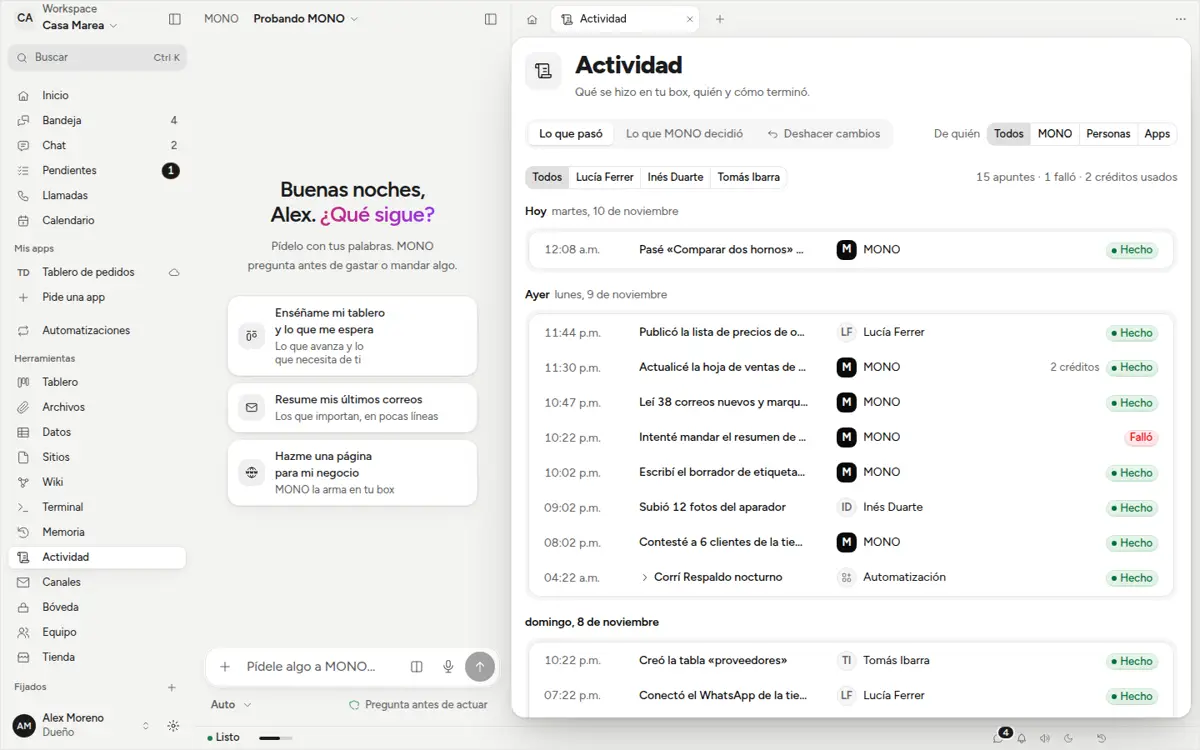
Activity: each day in its own block, with the time, what happened, who did it and «Done» or «Failed». - New
MONO suggests
In Sites and Automations, MONO tells you what to do next —a link about to expire, an automation that failed— and one button asks for it.
- Fixed
Chat pieces you can read
In the light theme, parts of tables and charts came out white on white. Not anymore. Plus a proper calendar grid and a clear message when the terminal is missing something.