0.117.2
Publish and find your apps without asking
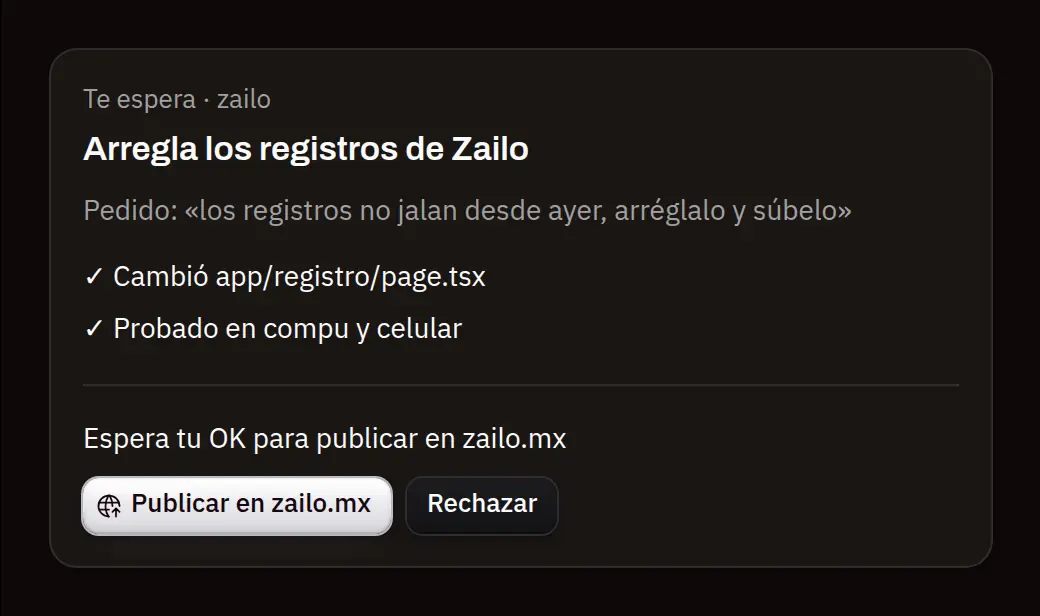
What MONO leaves ready to publish also waits for your OK on its board card, and the card moves on its own until your page answers. The bell tells you when it's live. And every app MONO makes or changes shows up at the end of its answer with «Open», and in «Your apps» marked as new.
- New
Publish from the board
The card of what you asked for says «Publish» and «Reject». It doesn't matter where you answer, in the chat or on the board: both find out. It moves to «in progress», and to «done» only once MONO checked that your page answers; if it fails, it comes back with why and «Retry».
- New
The bell tells you
«Published ✓ zailo.mx» or «Publishing … failed», next to what your automations finished. Tap it to open its card or the conversation.
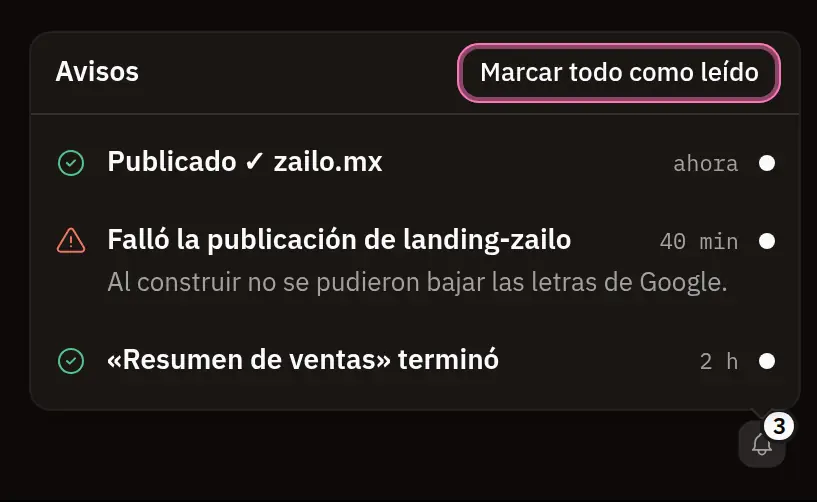
The bell: «Published ✓ zailo.mx», «Publishing landing-zailo failed» with why, and an automation that finished. - New
Your app, always at hand
When MONO makes or changes an app, the answer ends with its card: «Open», where it lives, who sees it and its version. It shows up in «Your apps» right away, marked as new until you open it.
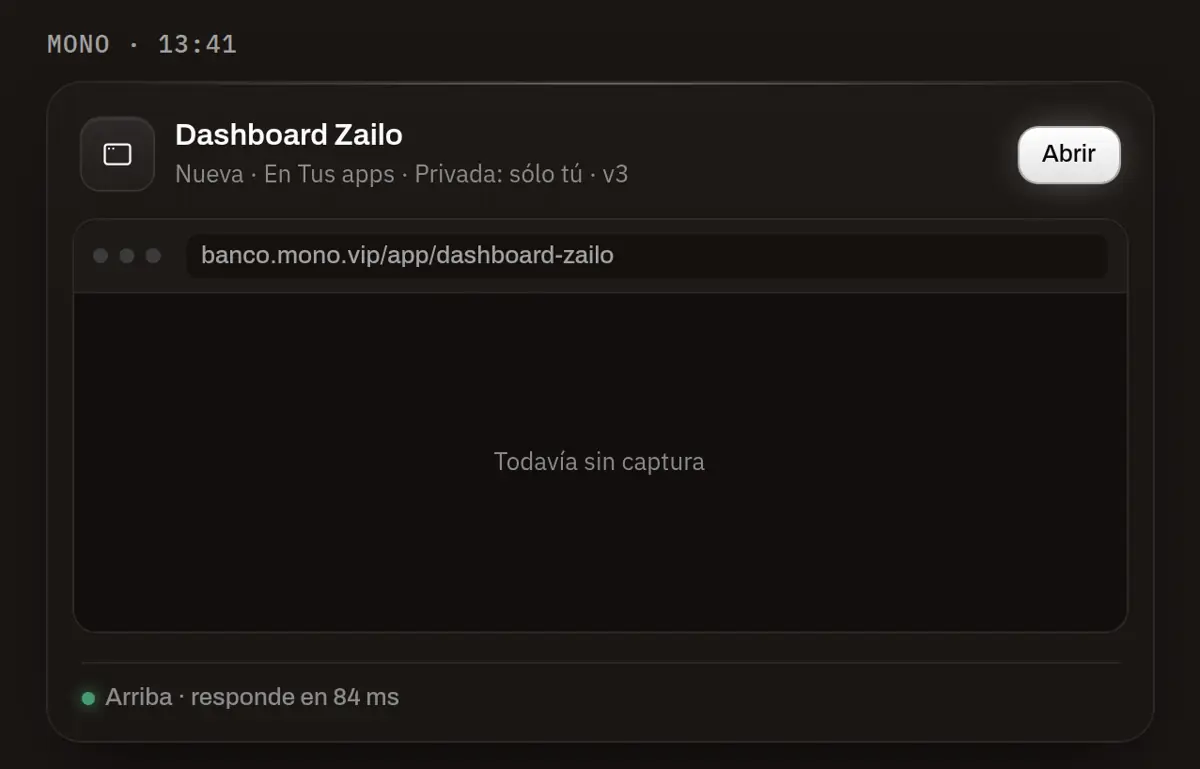
An app's card at the end of the answer: «New · In Your apps · Private: only you · v3» and «Open». - Fixed
Fixing isn't redesigning
When you ask MONO to fix an app you already have, it sees how it looks today —its picture, its colors and its fonts— and keeps it that way, unless you ask for a new design.
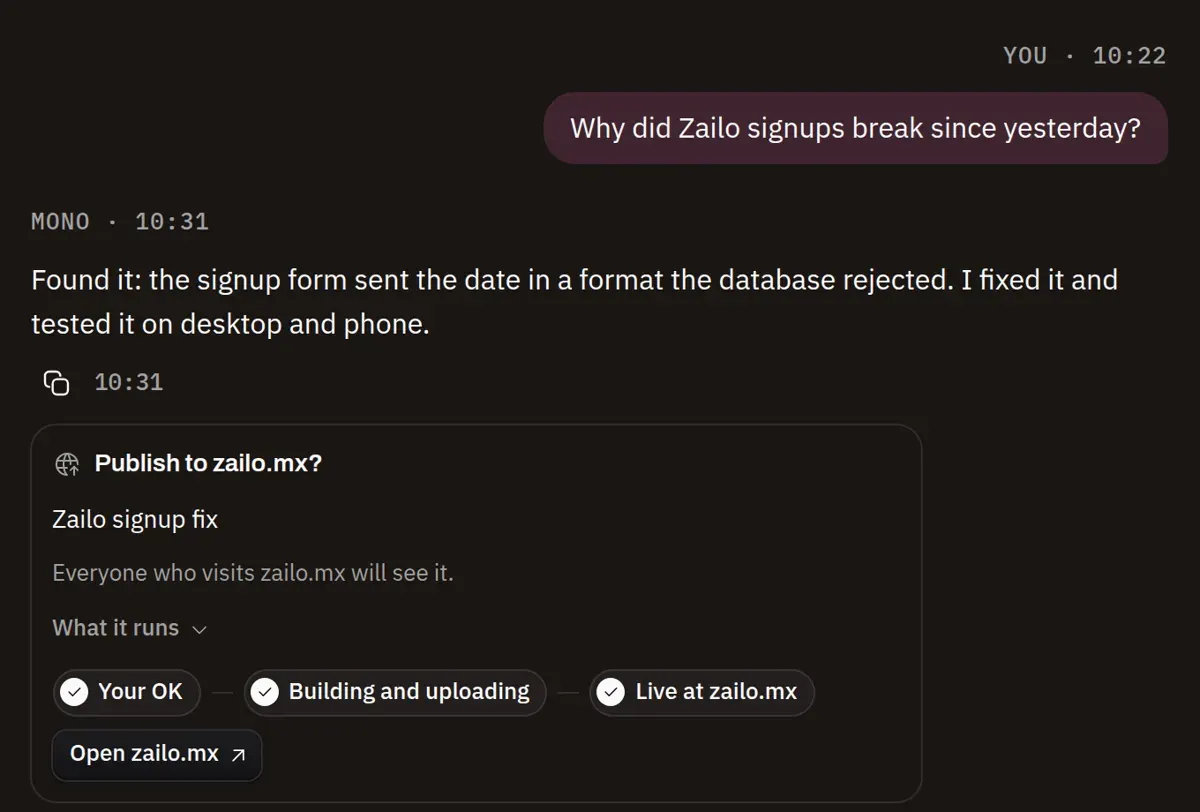
«Publish to zailo.mx?» after the yes: Your OK, Building and uploading, Live, and «Open zailo.mx». - Fixed
«View data» shows what's live, and one «Share»
«View data» lists the databases and tables your app uses today, each one opens in Data; no longer the screen of an old version. And an app's tab has a single «Share»: in chat or outside your team.
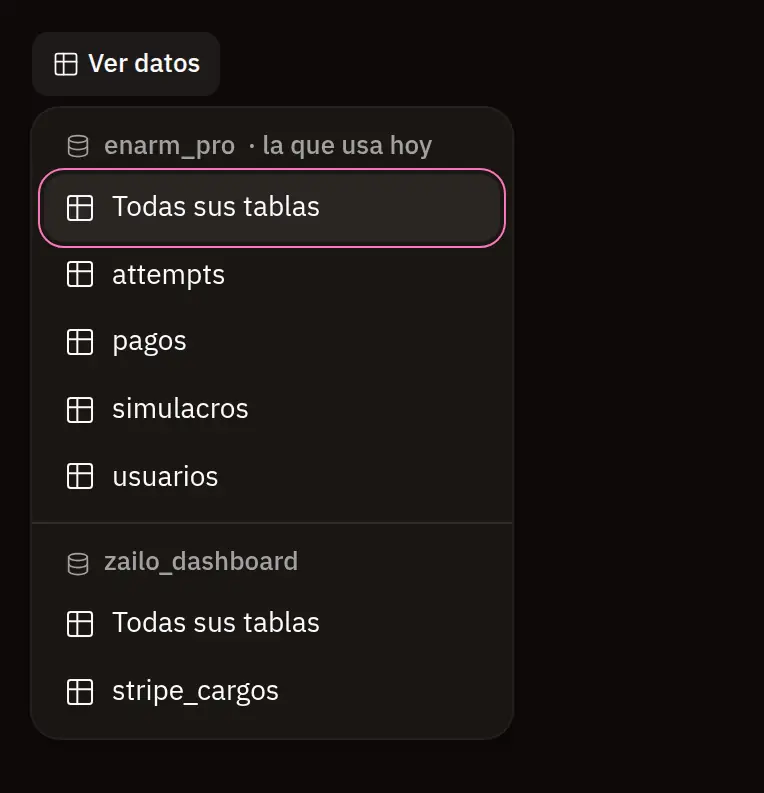
An app's «View data»: its databases, the one it uses today first, and their tables, each opening in Data.