0.117.1
MONO doesn't drop what it's doing
If the app reloads, the network drops or your computer sleeps, MONO keeps working, and when you're back you see where it is. And while it works you see one line with what it's doing now, not a long list.
- Fixed
A reload no longer cuts it off
Before, if the app reloaded mid-answer, MONO left the work half done and what it spent was lost. Now it keeps going, saves the answer in the conversation, and the app reconnects on its own. «Stop» still stops it.
- New
Fewer steps in your face
An investigation showed up as dozens of lines, one for each thing it checked. Now it's one line with what it's doing now and how many steps it has done; the full list is one tap away under «see all».
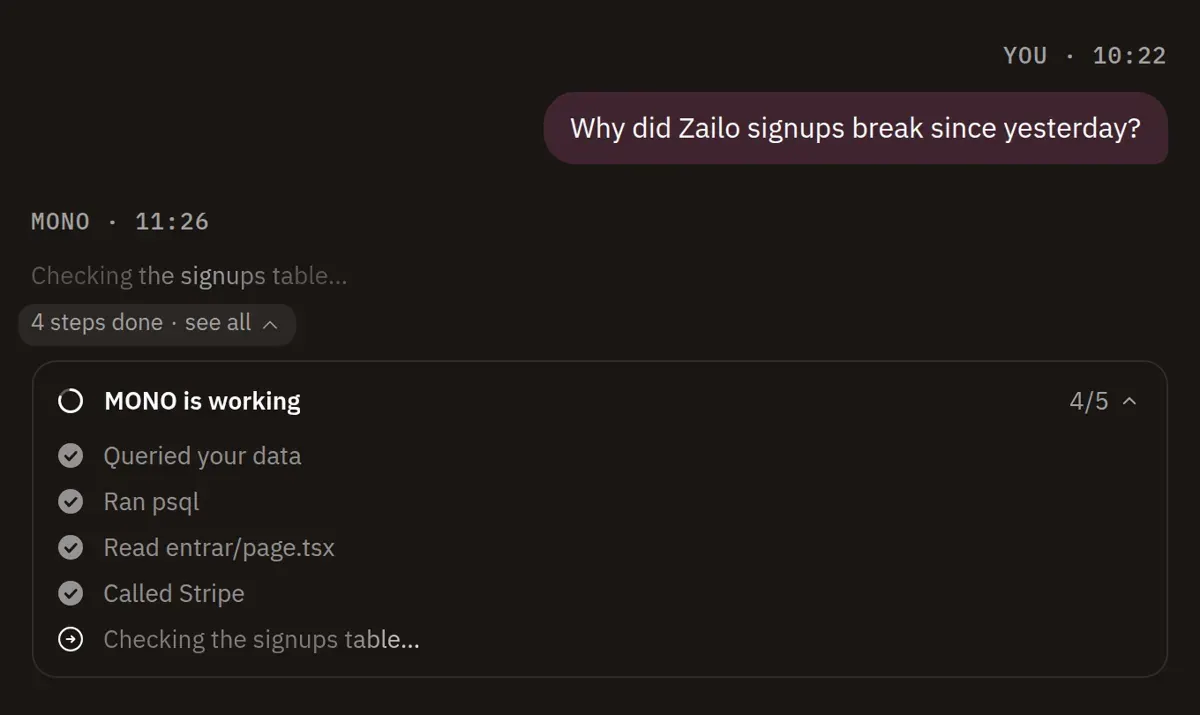
MONO working: one line with what it's doing now, «4 steps done · see all» and the list open below. - Fixed
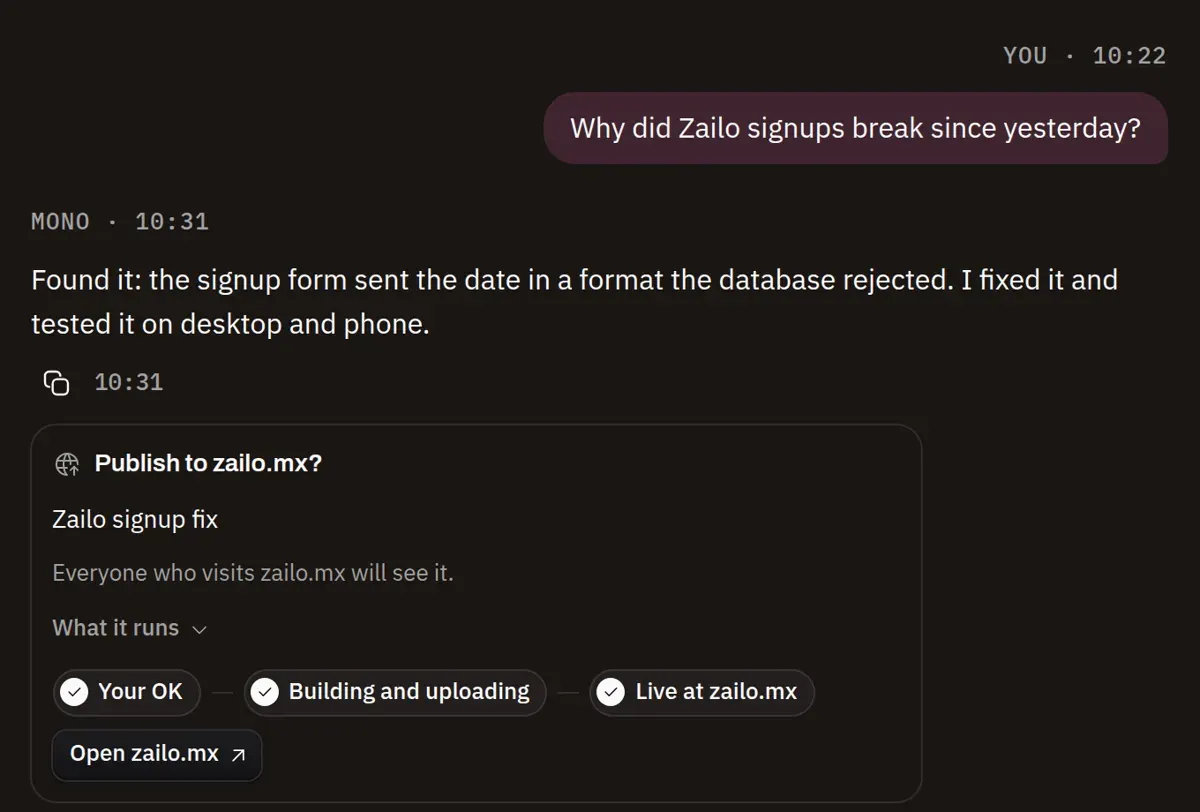
You see how your publish is going
Before, nothing showed after «Publish» and you had to ask whether it was really going out. Now the card says whether it's uploading, whether it's live (MONO opens the page to check) or why it failed, with «Retry». If MONO isn't in front, your computer tells you. And if you have the app open, it updates itself to the new version.