0.138.0
Your cards, with a date
Give a Board card a date and it shows up in the Calendar on that day; «How it works» now speaks English; and whoever can only view no longer changes your apps' data.
- New
A date on cards
Open a card and pick its day, or ask MONO to. With a date it shows in the Calendar; once finished, it stops showing.
- New
«How it works» in English
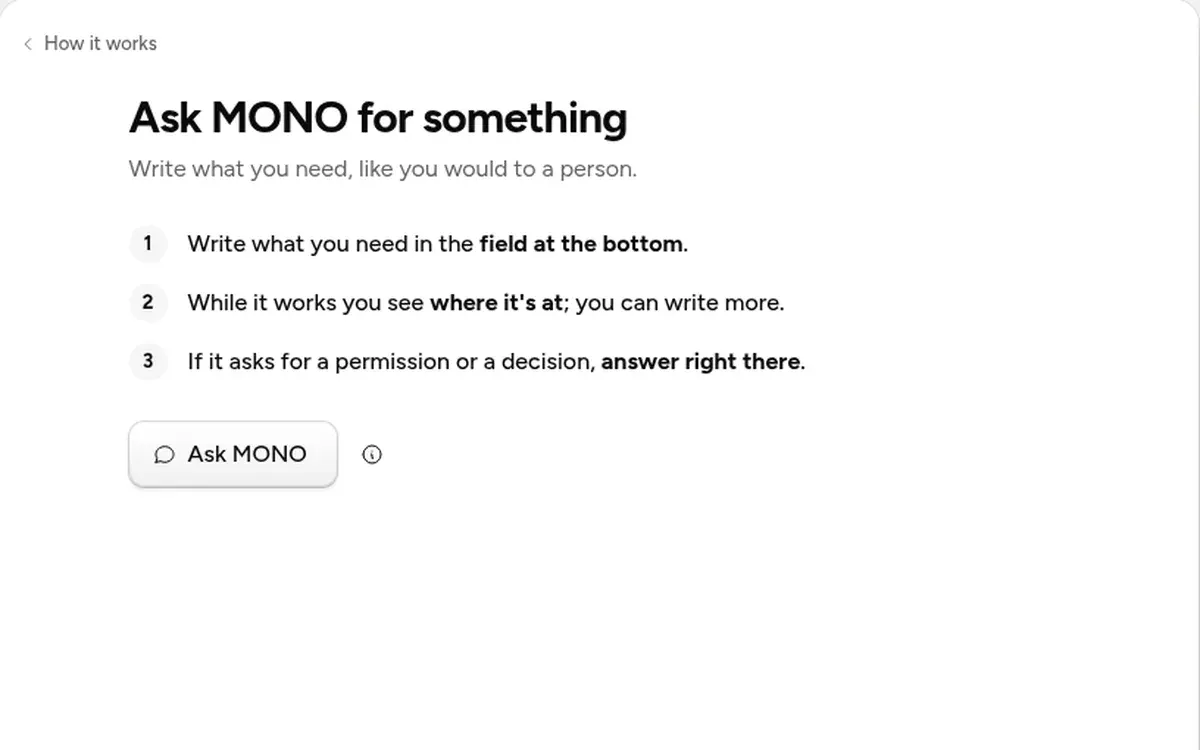
The tab shows in your app's language, and now covers how to ask for a permission. The sidebar marks it «New» until you open it.
- Fixed
View-only means view-only
In your team's apps, whoever can only view or comment sees the data and can't change it.
- Fixed
«Allow» does allow
When MONO asks for a permission mid-task, «Allow» grants it and the task goes on. Building an app no longer fails for someone who just joined, and searching a file by words finds it.