0.136.0
Stripe and Google Calendar, connected
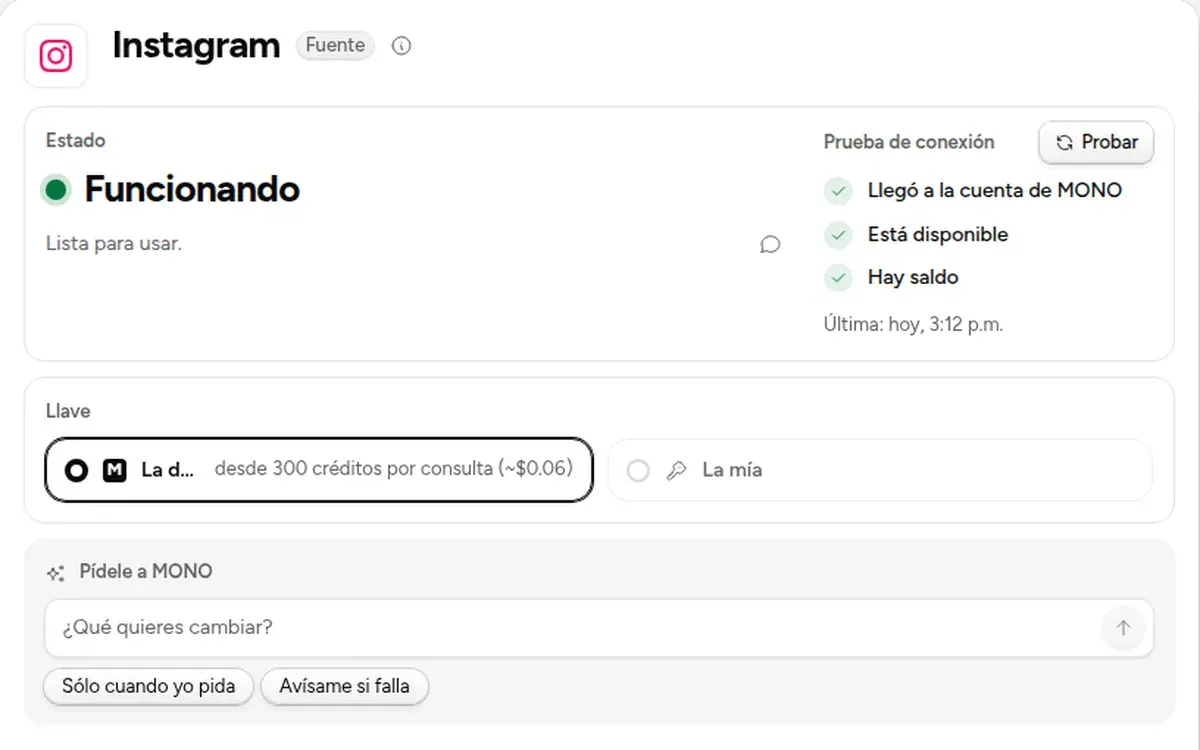
Connect your Stripe to see your charges and your Google Calendar so MONO can read your schedule; and test what runs on MONO's key without spending.
- New
Your Stripe charges
With a read-only key, its Viewer shows what was charged, how many charges and what was refunded. No customer names or emails.
- New
Google Calendar
Share your calendar with the Google key you already have in MONO and MONO reads your schedule. Read only.
- New
Test without spending
For what runs on MONO's key, «Test» confirms it is available and there is balance, without using it.
- New
Switch accounts in the Viewer
Next to the period is the account you are viewing; press it to pick another.