0.134.0
Everything connected, in one place
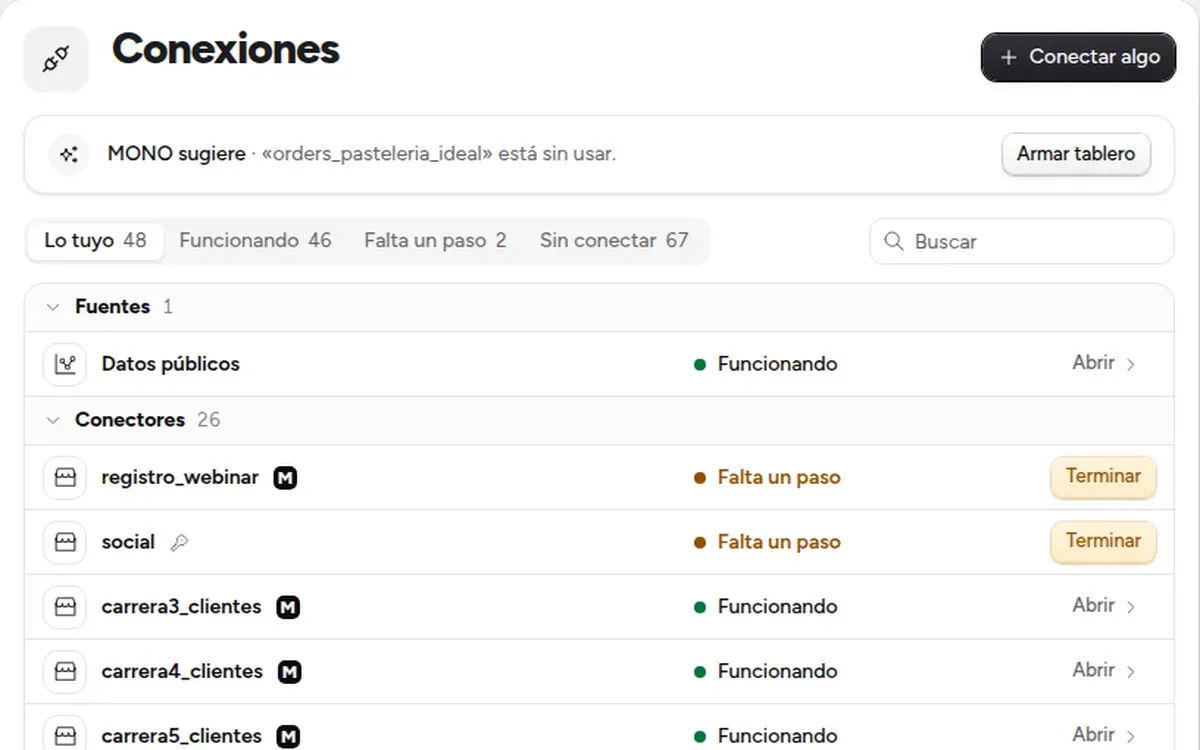
Connections shows in one list everything your business has connected and how it is doing; each connection opens its page, with its status and a button to test it.
- New
Connections
In the sidebar, under «Your MONO». You first see what is yours, with whatever needs a step at the top; what is left to connect has its own tab.
- New
Each connection says how it is
Its page opens with the status in large type and «Test»: the last test is saved. The steps to connect it stay folded until you ask.
- New
Spend, in sight
Spend moves up to the sidebar, next to Connections.