0.122.3
Calls that are easy to use
One bar for the whole call, fullscreen that actually looks good, and you hand over control of what you share in one click.
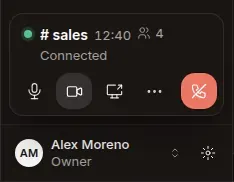
- New
One bar, always in its place
Mic, camera, share and leave, in the sidebar or bottom-center. Everything else lives in «More».
- New
Real fullscreen
Faces fill the screen, your tile covers no one, and the controls hide on their own.
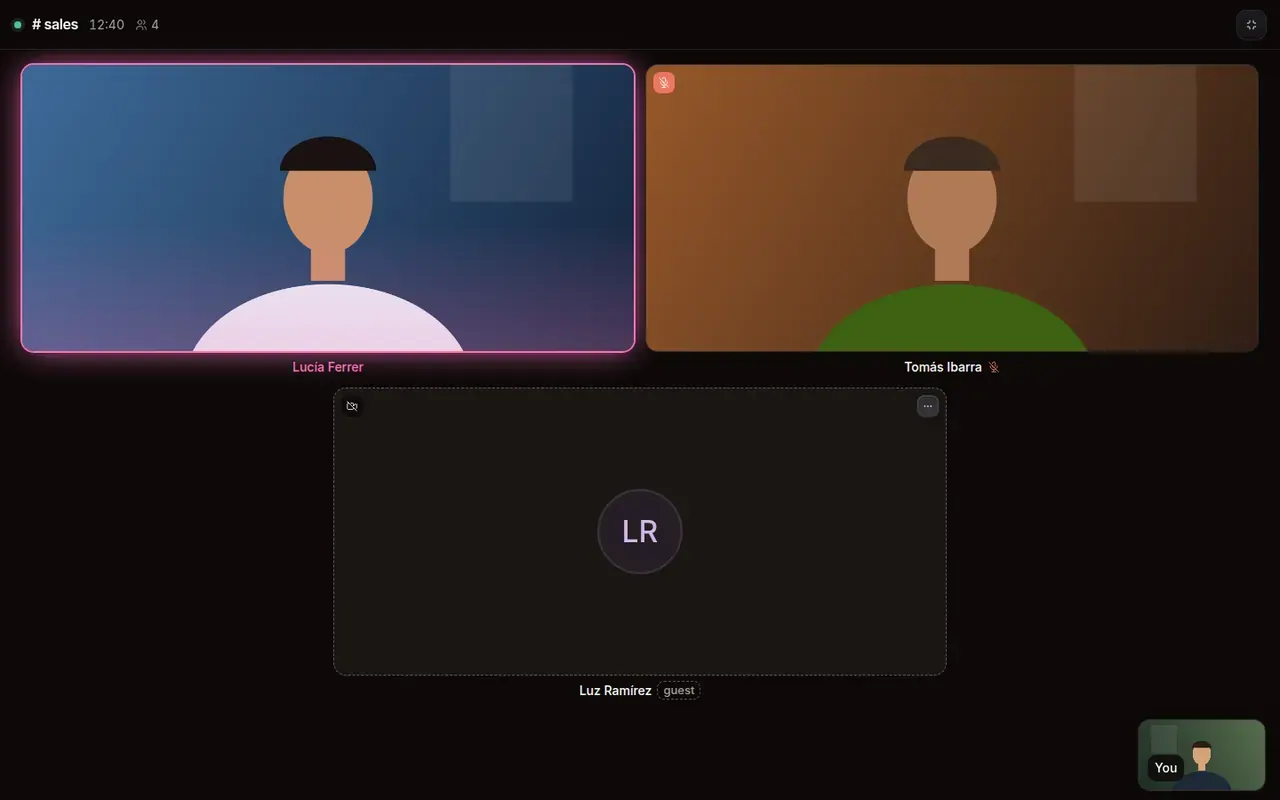
A call in fullscreen: faces fill the screen, your tile small in the corner and no controls on top. - New
Hand over control of what you share
To one person, everyone, or MONO. You always see who has it, and Esc takes it back.
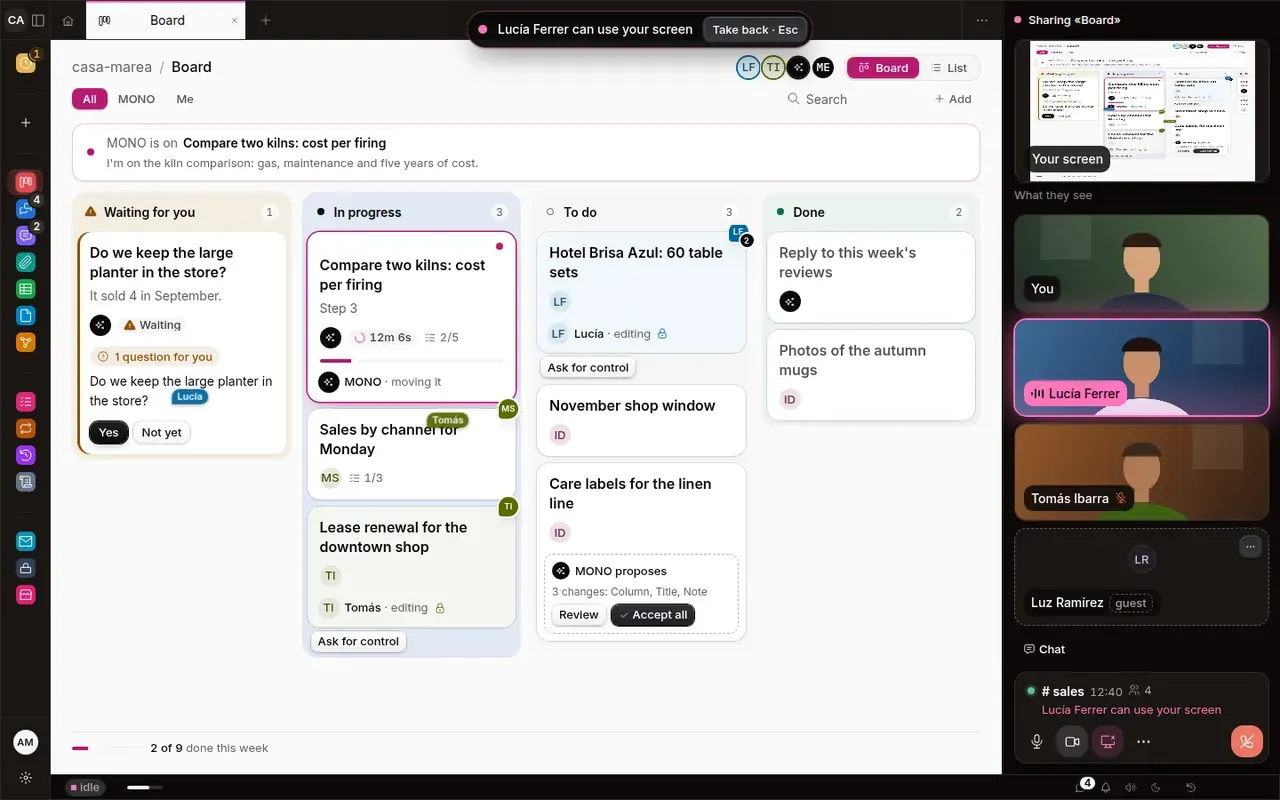
You share the board and the top says «Lucía Ferrer can use your screen», with «Take back · Esc». - Fixed
«Waiting for you», complete and faster
It now includes your plans' questions too. And opening chat, the Store and menus takes about half the time.
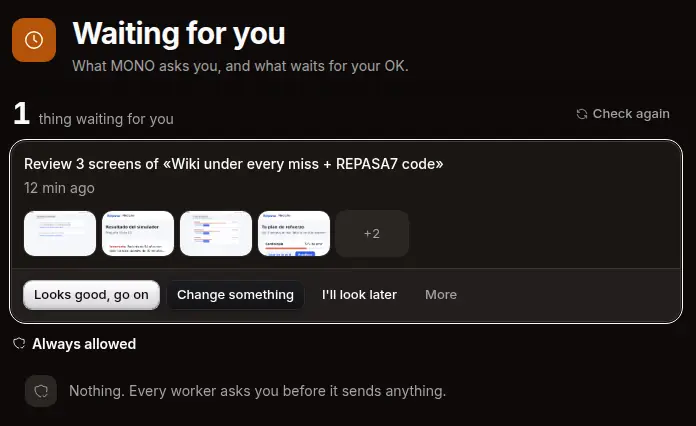
«Waiting for you» with what MONO asks: the review of three screens with their thumbnails and answers.