0.119.0
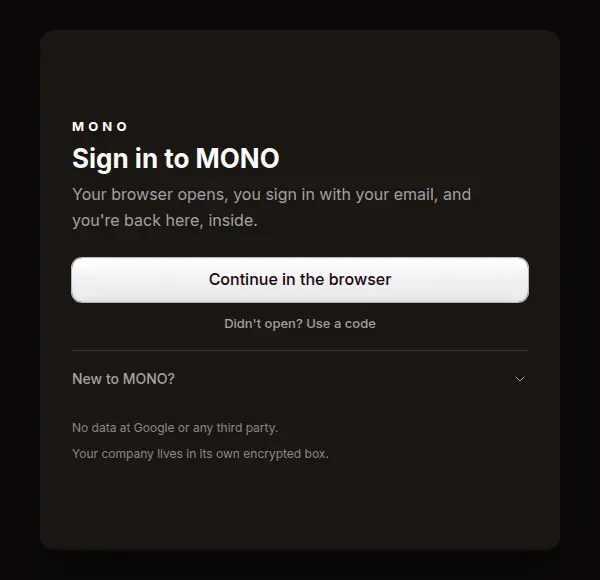
Signing in to MONO is one button
Your browser opens, you sign in with your email, and you're back in the app. Didn't open? Use a code from any device.
- New
All your workspaces, one sign-in
Choose which workspaces to open MONO with (Zailo, Relo, Arca…) and each one gives this computer its own key. When a new one joins your account, it shows up with «Add»: one click and you're in.
- New
Invited? You land right there
The invite link drops you straight into that workspace. No invite? Join the list.
- New
Your session, in your computer's keychain
It renews on its own, and you can sign out of every device at once.